Copying Files Without Downloading and Re-Uploading Using rsync
When managing websites or applications on a Linux server, it is often necessary to duplicate files from one directory to another. Downloading files to a local machine and re-uploading them is inefficient, time-consuming, and error-prone. A more professional and reliable approach is to copy files directly on the server using rsync.
Why Use rsync?
rsync is a powerful file synchronization tool designed for speed, accuracy, and efficiency. It preserves file permissions, ownership, timestamps, and directory structures while copying only what is required.
Key benefits include:
- No internet bandwidth usage
- Faster execution compared to FTP/SCP re-uploads
- Preservation of file metadata
- Suitable for large websites and production environments
Use Case Scenario
You have an existing website located in one directory and want to create an exact copy in another directory on the same server.
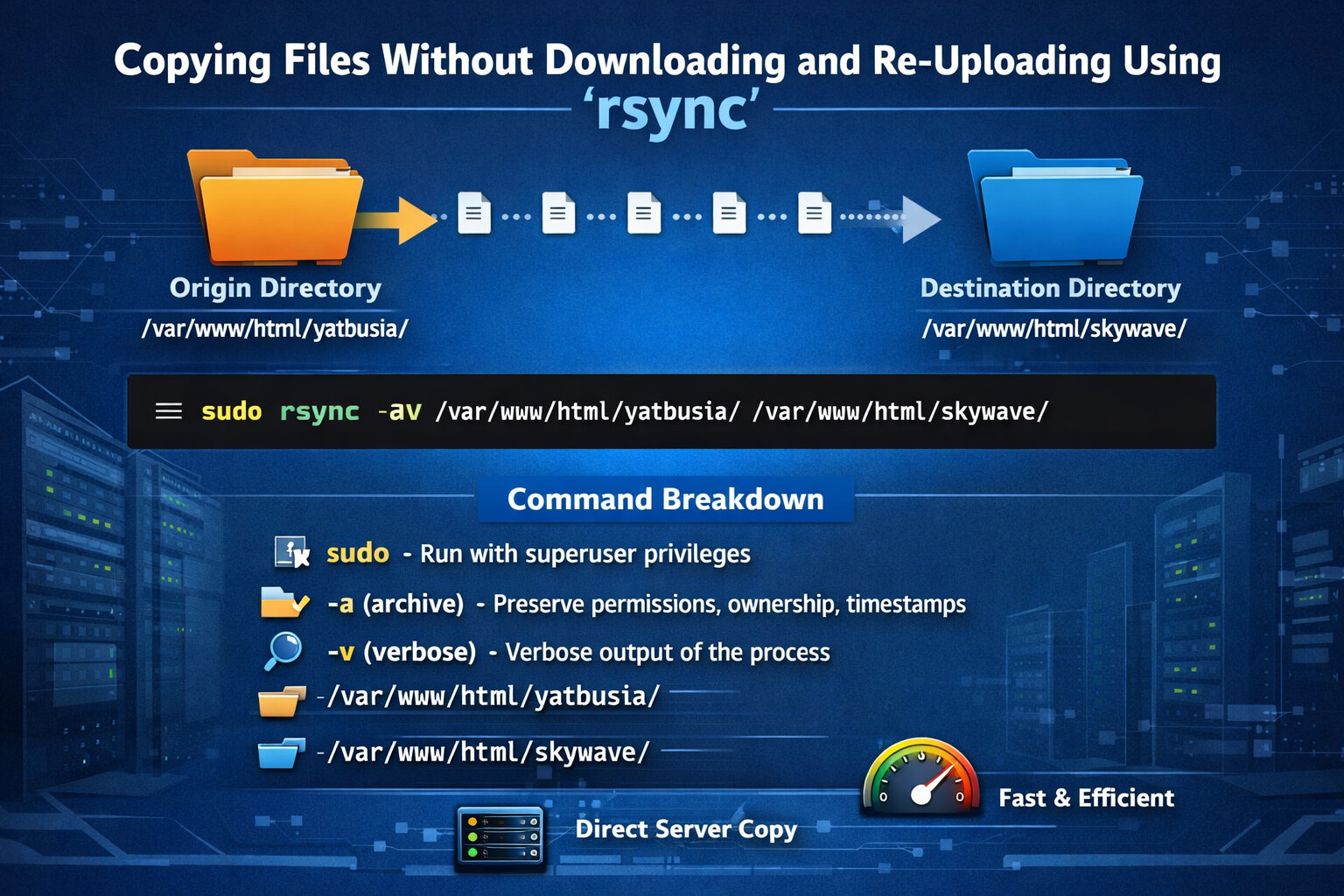
- Origin directory: /var/www/html/yatbusia/
- Destination directory: /var/www/html/skywave/
Command to Copy Files
Use the following command:
sudo rsync -av /var/www/html/yatbusia/ /var/www/html/skywave/
Command Breakdown
-
sudoEnsures the command runs with sufficient privileges, especially when dealing with web server directories. -
rsyncThe file synchronization utility. -
-a(archive mode) Preserves permissions, ownership, symlinks, and timestamps. -
-v(verbose) Displays detailed output during the copy process. -
/var/www/html/yatbusia/Source (origin) directory — note the trailing slash, which ensures only the contents are copied. -
/var/www/html/skywave/Destination directory — where the files will be placed.
Important Notes
-
Ensure the destination directory exists before running the command. If it does not, create it:
sudo mkdir -p /var/www/html/skywave -
The trailing slash (
/) at the end of the source directory is critical. Without it,rsyncwill copy the entire folder instead of just its contents. -
Always verify file ownership after copying, especially for web applications:
sudo chown -R www-data:www-data /var/www/html/skywave
Conclusion
Using rsync allows you to copy files directly on the server without downloading and re-uploading them. This method is faster, safer, and more suitable for production environments, especially when managing websites, backups, or application deployments.
This approach is a best practice for Linux system administrators, web hosting providers, and DevOps engineers.