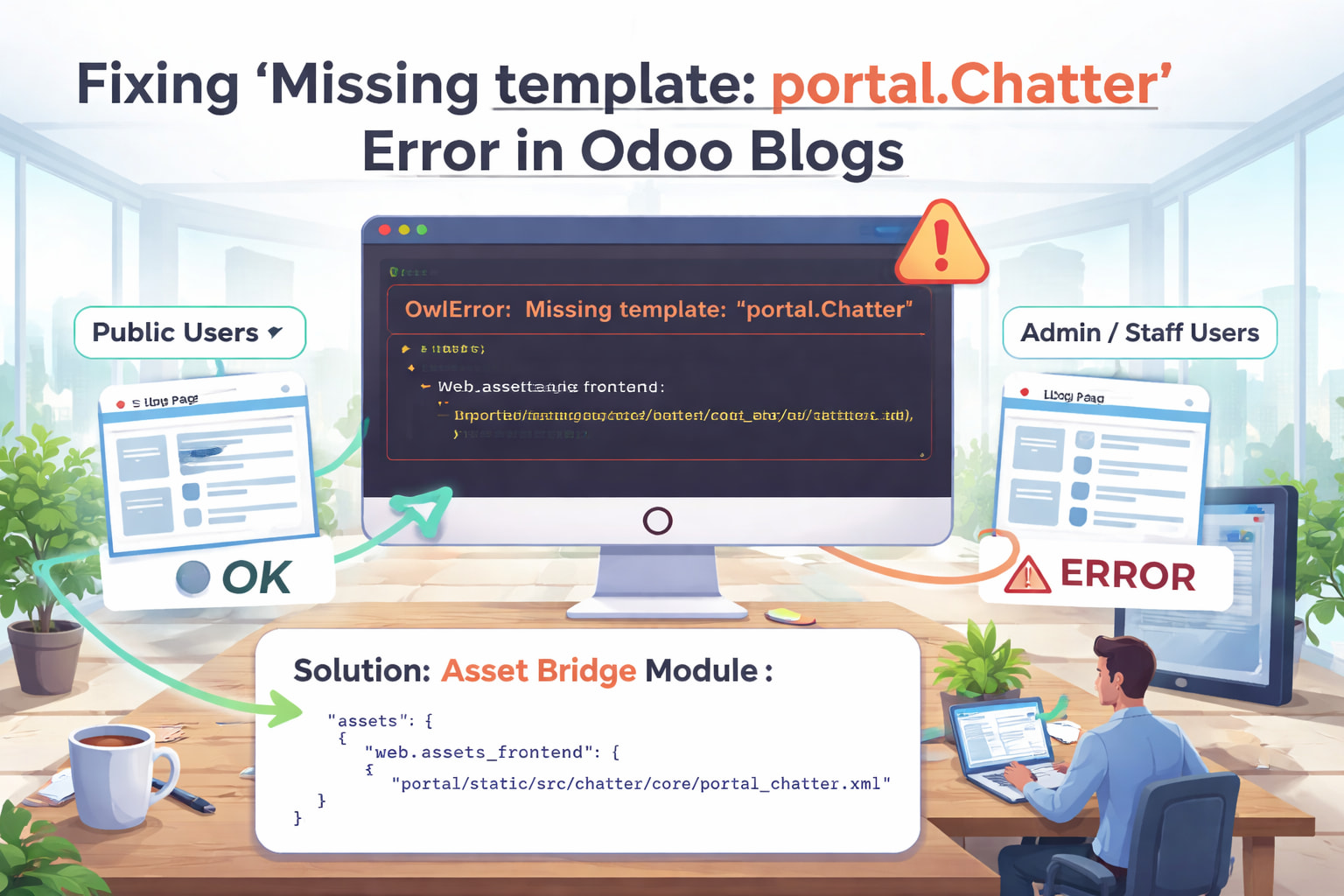
Fixing “Missing template: portal.Chatter” Error on Odoo Blog Pages (Admin & Staff Only)
If you’re running a modern Odoo website and suddenly encounter this error:
OwlError: Missing template: “portal.Chatter” (for component “Chatter”)
only when viewing blog pages while logged in as admin or staff, you’re not alone. This issue is subtle, confusing, and easy to misdiagnose. Public users see no problem, portal users are fine, yet internal users trigger a frontend crash.
This article explains why it happens, why it only affects admins/staff, and how to fix it correctly and permanently, especially in Docker-based Odoo 16 and 17 setups.
The Exact Error
The browser console shows something like:
Uncaught Promise > Missing template: "portal.Chatter"
OwlError: Missing template: "portal.Chatter"
It occurs:
- only on blog pages
- only when logged in as admin or internal staff
- not on portal pages
- not for public visitors
Why This Error Is So Tricky
At first glance, it looks like:
- a missing XML file
- a broken module
- a failed upgrade
But in reality, the template exists on disk, and the JS code referencing it is also present.
The problem is asset context mismatch.
What’s Really Happening Under the Hood
1. Different Users Load Different Assets
Odoo uses different frontend asset bundles depending on who you are and where you are:
| User Type | Page Type | Asset Bundle |
|---|---|---|
| Public user | Website / Blog | web.assets_frontend |
| Portal user | Portal pages | web.assets_frontend_lazy |
| Admin / Staff | Website / Blog | web.assets_frontend + mail hooks |
The key detail:
portal.ChatterXML is only loaded in portal assets- Blog pages do not load portal assets
2. Internal Users Trigger Chatter on Blog Pages
When you log in as admin or staff:
- Odoo injects mail and chatter logic
- Blog pages attempt to mount a Chatter component
- That Chatter component is configured to use:
portal.Chatter
But the blog page never loaded the XML template.
Result:
- JS exists

- XML template exists
- Browser never received it

- Owl crashes immediately
Why Portal Pages Work Fine
Portal pages load:
web.assets_frontend_lazy
That bundle does include:
portal/static/src/chatter/core/portal_chatter.xml
So the template is available and Owl renders normally.
Why This Often Appears “Suddenly”
This issue usually surfaces after:
- Pulling a new Docker image
- Upgrading Odoo
- Installing loyalty / POS / portal extensions
- Installing or updating a website theme
- Clearing or rebuilding assets
Nothing is actually “broken”. The mismatch was always there, but new JS paths make it visible.
The Correct and Permanent Fix
The solution is not to remove Chatter, downgrade Odoo, or disable Owl.
The correct fix is to bridge the missing portal template into website assets, but only where needed.
Recommended Fix: Asset Bridge Module
Create a small custom module that safely injects the missing template into website frontend assets.
1. Module Manifest
{
    "name": "Website Portal Chatter Bridge",
    "summary": "Fix portal.Chatter error on blog pages for internal users",
    "depends": ["website", "portal", "mail"],
    "assets": {
        "web.assets_frontend": [
            "portal/static/src/chatter/core/portal_chatter.xml",
        ],
    },
    "installable": True,
}
Why This Works
- Blog pages use
web.assets_frontend - Admin/staff users trigger Chatter
- The XML template is now available
- Owl can render without crashing
No overrides. No hacks. Fully upgrade-safe.
Deployment (Docker)
Inside the container:
odoo -u website_portal_chatter_bridge --stop-after-init
From the host:
docker restart <container_id>
Then:
- Hard refresh browser: Ctrl + Shift + R
- Reload blog page as admin or staff
 Error gone
Blog loads normally
Portal remains unaffected
Error gone
Blog loads normally
Portal remains unaffected
Alternative: Defensive Guard (Not Recommended for Most)
You can patch the JS to check for the template before mounting Chatter, but this hides the symptom rather than fixing the cause. Use only if you explicitly don’t want Chatter in website contexts.
What You Should NOT Do
- Do not inject all portal assets into website frontend
- Do not disable mail or chatter modules
- Do not downgrade Odoo
- Do not suppress Owl errors globally
Those approaches introduce technical debt and future breakage.
A Note on Odoo 16 and 17
This is a known architectural edge case:
- Portal Chatter reused outside portal
- Website assets scoped too narrowly
- Internal users activate code paths public users never see
Expect this to be addressed upstream in future releases. Until then, the asset bridge is the cleanest solution.
Final Checklist
After applying the fix:
- Public users can read blogs
- Admin/staff can read blogs
- No Owl errors in console
- Portal works as expected
- Safe for future upgrades
Wrap
The “Missing template: portal.Chatter” error is not a missing file problem. It is a contextual asset loading bug that only appears under specific user and page combinations.
Once you understand the asset boundaries in Odoo, the fix becomes simple, elegant, and stable.
If you maintain production Odoo websites, this is one of those issues worth fixing properly, once, and never thinking about again.