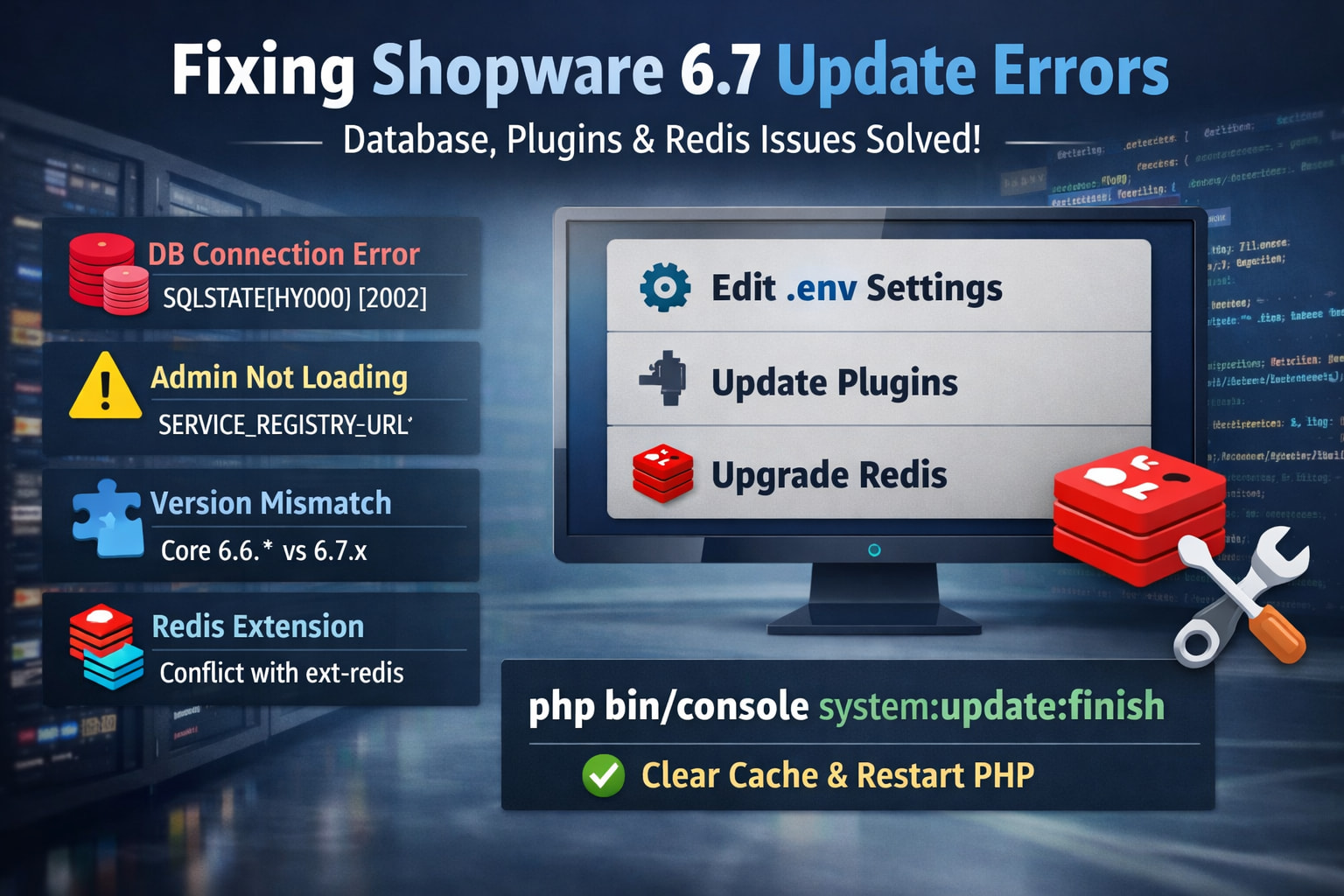
 Fixing Shopware 6.7 Update Errors (Database + Redis + Plugin Issues)
If you’re upgrading to Shopware 6.7 and suddenly your admin breaks or updates fail — you’re not alone. This guide walks through the most common errors and how to fix them.
 1. Database Connection Error
Error:
SQLSTATE[HY000] [2002] No such file or directory
 Cause
Cause
This happens when PHP tries to connect to MySQL via a Unix socket that doesn’t exist.
 Fix
Fix
Edit your .env file:
DATABASE_URL="mysql://user:password@127.0.0.1:3306/dbname?charset=utf8mb4"
 Use
Use 127.0.0.1 instead of localhost to force TCP.
2. Admin Not Loading
Error:
Environment variable not found: SERVICE_REGISTRY_URL
Fix
Add this to your .env:
SERVICE_REGISTRY_URL=""
Then clear cache:
php bin/console cache:clear
3. Version Mismatch Error
Error:
Required plugin "shopware/core 6.6.*" does not match installed version 6.7.x
Cause
You upgraded core to 6.7 but plugins still require 6.6.
Fix Options
- Update plugins to 6.7-compatible versions
- OR temporarily disable incompatible plugins:
php bin/console plugin:deactivate PluginName
4. Composer / Redis Error
Error:
symfony/cache conflicts with ext-redis <6.1
Cause
Shopware 6.7 uses Symfony 7.4 which requires Redis extension ≥ 6.1
Fix
Upgrade Redis:
pecl install redis-6.1.12
Restart services:
systemctl restart php-fpm
5. Plugin Installation Fails (e.g. PayPal)
Error during:
composer require swag/paypal
Fix
Run with dependencies:
composer require swag/paypal --with-all-dependencies
If needed (temporary):
--ignore-platform-req=ext-redis
 Pro Tips
- Always backup before upgrading
- Run updates via CLI instead of web installer
- Ensure PHP extensions match Shopware requirements
- Keep plugins aligned with core version
Final Recovery Command
After fixing everything:
php bin/console system:update:finish
php bin/console cache:clear
 Conclusion
Most Shopware 6.7 issues come down to:
- DB connection config
- Missing environment variables
- Plugin compatibility
- Outdated PHP extensions (Redis)
Fix those — and your system will stabilize.