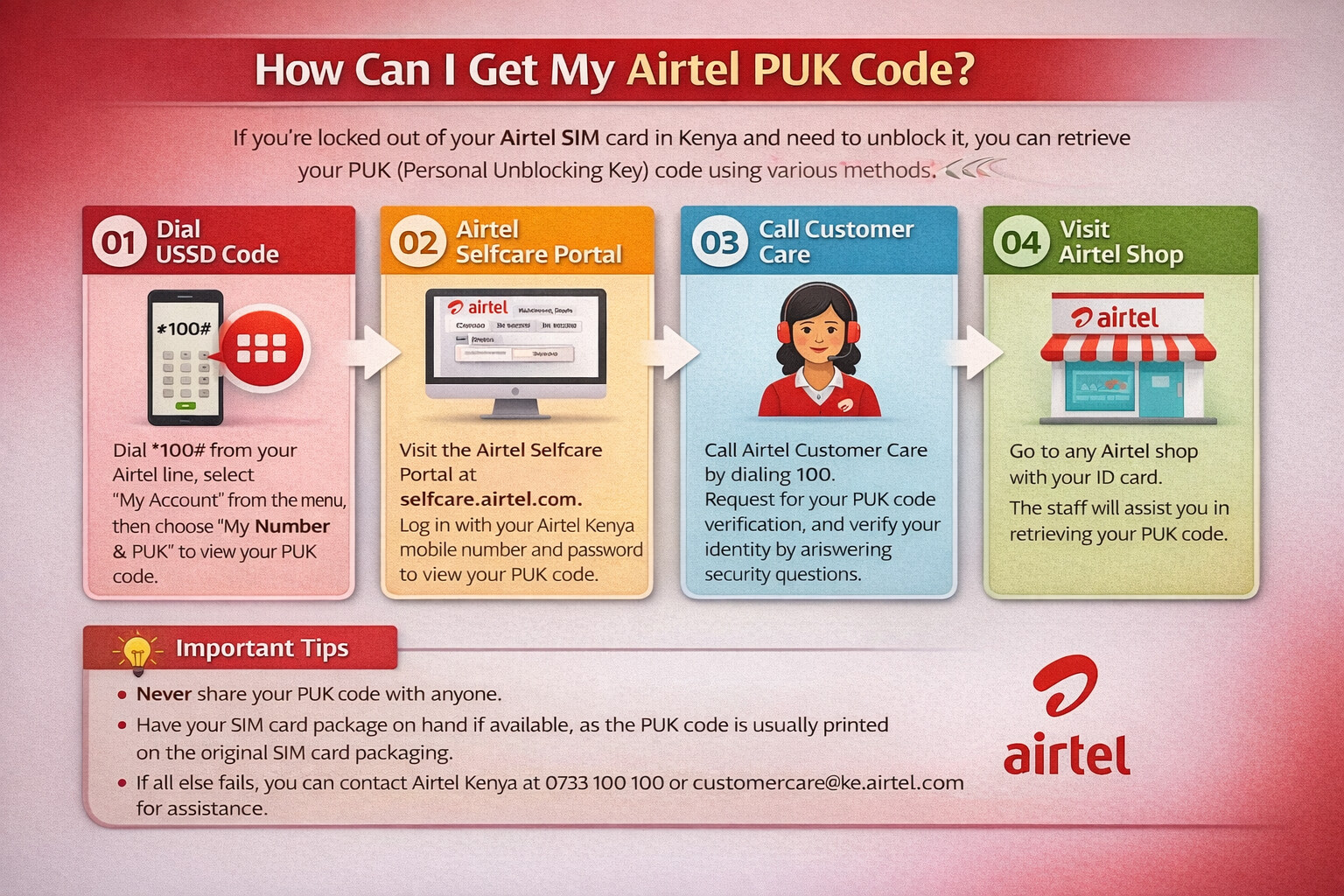
How to unlock Airtel PUK Code?
By SMS
Airtel SIM Card can be unlocked via SMS, have a look at the steps below:
- Find an alternate Airtel SIM Card
- Look for the PUK code printed on the backside of the SIM body
- Type your locked phone number and send it to 785 via SMS
- Now, type with PUK > 15-digit SIM number and send it to 121
- Airtel will instantly send you an 8-digit code; this will be your PUK code
- Enter the code into your locked Airtel mobile, and it will be unlocked
By USSD Code
A simple USSD code can be helpful to unlock your Airtel SIM Card:
- From another Airtel mobile number, dial 12151#
- Press ‘OK’ on the pop that appears on the screen
- Similarly, another pop-up will appear on the screen
- Select the PUK option, which will appear at number 3
- Enter your D.O.B. to verify your identity
- Your new PUK code will be shown to you on your screen
- Enter it on your mobile device to unlock your Airtel SIM
By Website
In case you are connected to the internet, using the website to unlock your SIM Card is another option:
- Visit the official Airtel Website and log in using another Airtel Sim Card number
- You would be required to enter OTP, and you would be logged in
- The phone number associated with the account will appear on the screen
- The website will show the IMEI number of the device and the PUK Code of Airtel SIM
- Enter it to unlock your Airtel SIM Card
Via Customer Care
Using customer care can be one of the more accessible options to solve the issue. Check out the steps below:
- Dial ‘121’ from an alternate Airtel Number.
- Request the Airtel PUK code and tell them the problem faced by you.
- Kindly confirm all the details asked by the executive on the call. You will be asked to provide a 15- digit SIM number printed on the backside of your SIM card.
- Once verified, you will be provided with a new PUK code.
- Enter it on your locked Airtel mobile number, and your SIM card should be unlocked.