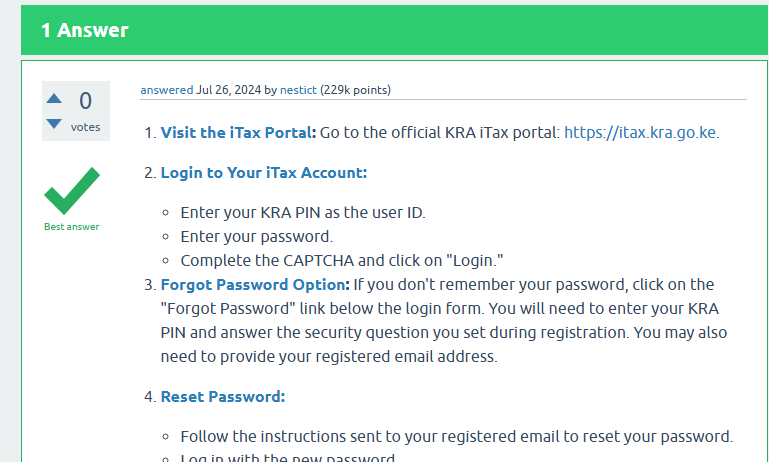
Forgot Password Option: If you don’t remember your password, click on the “Forgot Password” link below the login form. You will need to enter your KRA PIN and answer the security question you set during registration. You may also need to provide your registered email address.
Reset Password:
Follow the instructions sent to your registered email to reset your password.
Log in with the new password.
Retrieve PIN Certificate: Once logged in, navigate to the “Registration” menu, then select “Reprint PIN Certificate.” You can then download or print your PIN certificate, which contains your KRA PIN.
Alternative Methods:
KRA Customer Service: Contact KRA customer service for assistance:
Email: callcentre@kra.go.ke
Phone: +254 (020) 4999 999 or +254 (0711) 099 999 Provide necessary identification details to verify your identity.
KRA Service Centers: Visit a KRA service center or Huduma Center near you with your identification documents (ID or passport) for assistance in retrieving your KRA PIN.