kevin
(KEVIN OWINO)
1
Simple steps to download your KRA PIN Certificate online from the iTax portal:
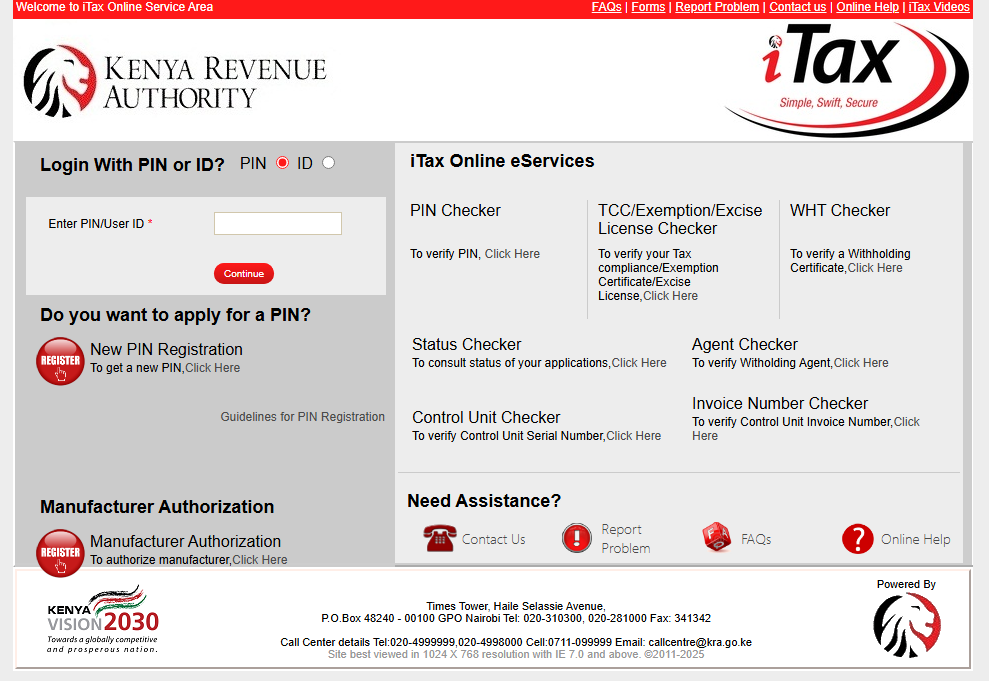
- Visit the iTax Portal:
- Log In to Your iTax Account:
- Enter your KRA PIN as the username.
- Enter your Password and solve the Security Stamp (Captcha).
- Click Login.
- Access Your PIN Certificate:
- On the iTax dashboard, click on Registration from the top menu.
- Select Reprint PIN Certificate from the drop-down menu.
- Download the PIN Certificate:
- Confirm your details and click on Submit.
- Your KRA PIN Certificate will be displayed.
- Click on the Download or Print button to save or print your certificate.
- Get Help if Needed:
- If you encounter any issues, contact KRA support or visit the nearest KRA office for assistance.