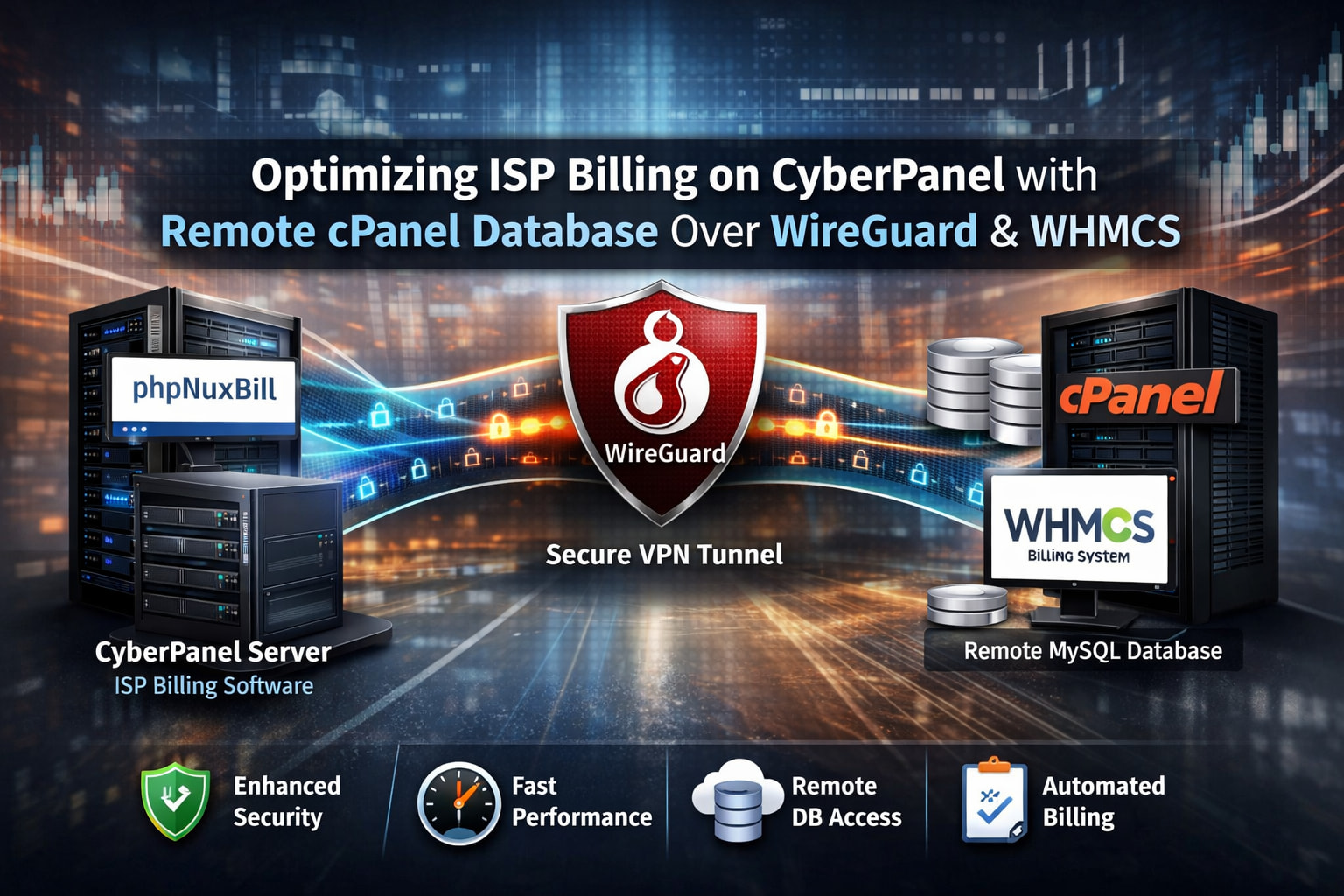
Running ISP Billing Software on CyberPanel With Remote cPanel Databases Over WireGuard
Modern ISPs are no longer tied to a single monolithic server. Performance, security, and cost efficiency often require splitting services across multiple servers. In our recent deployment, we explored running ISP billing software such as phpNuxBill on a CyberPanel-powered server, while securely connecting to a remote MySQL database hosted on a cPanel server, all tunneled through WireGuard VPN and billed via WHMCS.
The result: a stable, secure, and production-ready setup with healthy cron jobs and predictable performance. This article documents the architecture, configuration steps, testing methodology, and common errors with solutions.
1. Architecture Overview
Server Roles
| Server | Role |
|---|---|
| CyberPanel Server | ISP billing application (phpNuxBill or similar) |
| cPanel Server | Remote MySQL database + WHMCS |
| WireGuard Tunnel | Secure private network between servers |
Why This Design Works
- CyberPanel excels at lightweight PHP application hosting
- cPanel provides mature MySQL, WHMCS, backups, and stability
- WireGuard offers low-latency, encrypted, site-to-site networking
- Database traffic never touches the public internet

2. Preparing the CyberPanel Server
System Requirements
- OS: AlmaLinux 8/9 or Ubuntu 22.04
- PHP: 8.1 or 8.2 (avoid bleeding-edge PHP for billing systems)
- MariaDB client installed
- Cron enabled and functional
dnf install mariadb wireguard-tools -y
Ensure PHP extensions are present:
php -m | grep -E "pdo|mysqli|curl|mbstring|openssl"
Missing modules are a top cause of silent failures later.
3. WireGuard Installation and Configuration
Generate Keys (Both Servers)
wg genkey | tee privatekey | wg pubkey > publickey
CyberPanel Server WireGuard Config
[Interface]
PrivateKey = CYBERPANEL_PRIVATE_KEY
Address = 10.50.0.1/24
ListenPort = 51820

[Peer]
PublicKey = CPANEL_PUBLIC_KEY
AllowedIPs = 10.50.0.2/32
Endpoint = CPANEL_PUBLIC_IP:51820
PersistentKeepalive = 25
cPanel Server WireGuard Config
[Interface]
PrivateKey = CPANEL_PRIVATE_KEY
Address = 10.50.0.2/24

[Peer]
PublicKey = CYBERPANEL_PUBLIC_KEY
AllowedIPs = 10.50.0.1/32
Endpoint = CYBERPANEL_PUBLIC_IP:51820
PersistentKeepalive = 25
Enable and start:
systemctl enable wg-quick@wg0
systemctl start wg-quick@wg0
Connectivity Test
ping 10.50.0.2
If ping fails, check:
- Firewall
- UDP port 51820
- Correct keys
- Correct AllowedIPs
4. Configuring Remote MySQL on cPanel
Bind MySQL to WireGuard IP
Edit:
/etc/my.cnf
bind-address = 10.50.0.2
Restart MySQL:
systemctl restart mysql
Create Database User
CREATE USER 'ispuser'@'10.50.0.1' IDENTIFIED BY 'StrongPassword';
GRANT ALL PRIVILEGES ON ispdb.* TO 'ispuser'@'10.50.0.1';
FLUSH PRIVILEGES;
Test From CyberPanel Server
mysql -h 10.50.0.2 -u ispuser -p ispdb
If this works, your tunnel and database permissions are correct 
5. Installing phpNuxBill or ISP Billing Software
Upload Application
Place files under:
/home/username/public_html/
Set correct permissions:
chown -R username:username .
chmod -R 755 .
Database Configuration
In .env or config file:
DB_HOST=10.50.0.2
DB_NAME=ispdb
DB_USER=ispuser
DB_PASS=StrongPassword
Avoid localhost. This is a classic mistake.
6. WHMCS Integration and Billing Sync
Successful WHMCS Tests Included
- Client creation
- Service provisioning
- Cron automation
- Invoice generation
- Suspension and unsuspension triggers
Cron Verification
crontab -u username -l
Run manually:
php cron.php
Expected result:
- No PHP fatal errors
- API responses returned
- Logs updated
7. Testing Checklist
| Test | Result |
|---|---|
| WireGuard ping |  |
| MySQL remote login | |
| Billing app install | |
| WHMCS API calls | |
| Cron execution | |
| Invoice automation | |
Monitoring CPU and memory usage showed no abnormal spikes, confirming CyberPanel handles the workload efficiently.
8. Common Errors and Solutions
1. Database Connection Refused
Cause
- MySQL bound to
127.0.0.1
Fix
bind-address = 10.50.0.2
2. WireGuard Connects but No Traffic
Cause
- Incorrect
AllowedIPs
Fix
- Use
/32for peer IPs - Ensure routes are symmetric
3. Cron Jobs Not Running
Cause
- Disabled cron service
- Wrong PHP binary
Fix
systemctl enable crond
systemctl start crond
which php
Update cron path if needed.
4. WHMCS API Authentication Errors
Cause
- Incorrect API credentials
- IP restriction mismatch
Fix
- Allow CyberPanel WireGuard IP in WHMCS
- Regenerate API tokens
5. Random Timeouts
Cause
- MTU mismatch on WireGuard
Fix
MTU = 1420
Apply on both peers.
9. Security Best Practices
- Never expose MySQL to public IPs
- Use WireGuard only for database traffic
- Rotate API keys quarterly
- Enable daily offsite backups
- Monitor logs for failed API calls
10. Final Thoughts
Running ISP billing software on CyberPanel, backed by a remote cPanel database over WireGuard, is not only viable but highly effective. The separation of concerns improves security, scalability, and maintainability, while WHMCS continues to handle billing seamlessly.
This setup has proven stable under production workloads, with healthy cron execution and predictable performance. For ISPs looking to modernize infrastructure without increasing complexity, this architecture strikes the perfect balance 
