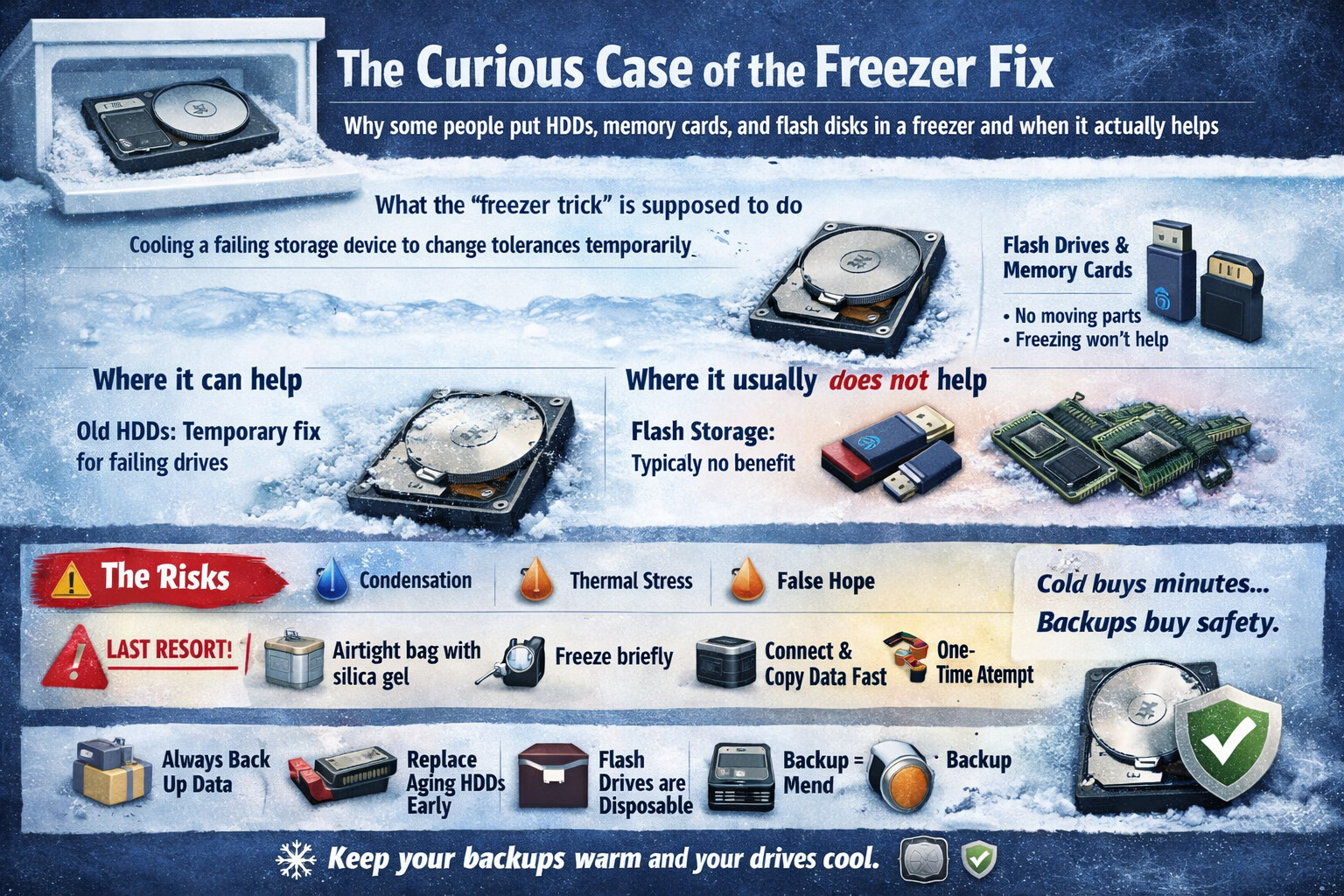
The Curious Case of the Freezer Fix
Why some people put HDDs, memory cards, and flash disks in a freezer and when it actually helps
In tech circles, there’s a story that keeps resurfacing like a stubborn pop-up: “Put the storage device in a freezer, then try again.” It sounds like folklore whispered in server rooms at midnight. Yet, behind the chill lies a sliver of real science, a heap of caveats, and plenty of misunderstandings. Let’s unpack the frost.
What the “freezer trick” is supposed to do
The idea is simple. Cooling a failing storage device can temporarily change physical tolerances inside it. Think metals contracting, lubricants stiffening, and microscopic gaps shifting just enough to let the device spin, mount, or read one last time. That fleeting window can be enough to copy critical files.
This trick is most often associated with mechanical hard disk drives (HDDs). Flash-based media like USB flash disks and memory cards rarely benefit, and sometimes suffer.
Where it can help (rare but real)
1. Mechanical HDDs with physical wear
Older HDDs have moving parts: spinning platters, read/write heads, tiny motors. When bearings are worn or tolerances are off, cooling can:
- Slightly shrink metal components
- Reduce friction in failing bearings
- Help a stuck spindle start rotating
For a short time, the drive may behave like a tired engine on a cold morning that coughs back to life.
2. Heat-related failures
If an HDD has been overheating, cooling can stabilize it long enough to access data. This is not a cure, just a brief ceasefire.
Where it usually does not help
Flash disks and memory cards
USB drives, SD cards, and microSD cards have no moving parts. Their failures are typically due to:
- Corrupted controllers
- Damaged NAND flash cells
- Broken solder joints
Freezing won’t magically repair silicon logic. In fact, it can introduce moisture and make things worse.
Modern SSDs
Solid-state drives are all electronics. Cooling them does not restore failed controllers or corrupted firmware.
The risks people often ignore 

Putting electronics in a freezer is not harmless.
- Condensation: When removed, moisture can form inside the device and short components.
- Thermal stress: Rapid temperature changes can crack solder joints or worsen existing damage.
- False hope: Users may delay proper data recovery, reducing success chances.
This is why professionals wince when the freezer trick is suggested casually.
If someone must try it (last-resort guidance)
This is strictly data recovery desperation, not maintenance.
- Seal the device in an airtight, moisture-proof bag with silica gel if available.
- Freeze for a short period (a few hours, not days).
- Prepare everything in advance: cables, computer, recovery software.
- Remove, connect immediately, and copy data once.
- Do not refreeze repeatedly. That’s how devices die permanently.
If the data is valuable, professional recovery is still the safer road.
The bigger lesson 


The freezer trick survives because it occasionally works, not because it’s reliable. It highlights something more important:
- Always back up data
- Use multiple copies and locations
- Replace aging HDDs early
- Treat flash storage as disposable, not archival
Cold can buy you minutes. Backups buy you peace.
Final thoughts
Placing storage devices in a freezer is a myth with a scientific footnote. For old mechanical HDDs on their last breath, it can offer a brief miracle. For flash disks and memory cards, it’s usually just cold air and crossed fingers.
In the end, data prefers consistency, not extremes. Keep your backups warm, your drives cool, and your recovery plans ready. 