 Understanding AES-256 Encryption and Key Sizes (64, 128, 192, 256, 512) with Practical Examples
In today’s digital world, encryption is the backbone of secure communication, data protection, and privacy. Whether you’re running hosting infrastructure, managing billing systems, or securing APIs, understanding encryption is essential.
This article breaks down AES-256 encryption, compares it with other encryption types, and explains key sizes like 64, 128, 192, 256, and 512-bit, along with sample keys for clarity.
 What is Encryption?
Encryption is the process of converting readable data (plaintext) into unreadable data (ciphertext) using a key. Only someone with the correct key can reverse the process (decryption).
What is AES-256?
AES (Advanced Encryption Standard) is a symmetric encryption algorithm widely used across industries.
- AES-256 uses a 256-bit key
- It performs 14 rounds of transformation
- It uses the same key for encryption and decryption
 Why AES-256 is trusted
- Used by governments and financial institutions
- Extremely resistant to brute-force attacks
- Fast and efficient for large data encryption
 Types of Encryption
1. Symmetric Encryption
- Same key used for encryption and decryption
- Very fast
Examples:
- AES-128
- AES-192
- AES-256
 Best for: file storage, databases, backups
2. Asymmetric Encryption
-
Uses two keys:
- Public key (encrypt)
- Private key (decrypt)
Examples:
- RSA
- ECC (Elliptic Curve Cryptography)
Best for: secure communication, HTTPS
 AES vs RSA (Real-World Use)
| Feature | AES-256 | RSA |
|---|---|---|
| Type | Symmetric | Asymmetric |
| Speed | Fast | Slower |
| Use | Encrypt data | Exchange keys |
In practice:
- RSA/ECC secures the connection
- AES encrypts the actual data
 Understanding Key Sizes
Key size determines how many possible combinations exist.
| Key Size | Bits | Bytes | Use Case |
|---|---|---|---|
| 64-bit | 64 | 8 bytes | Legacy (insecure) |
| 128-bit | 128 | 16 bytes | Standard encryption |
| 192-bit | 192 | 24 bytes | Enhanced security |
| 256-bit | 256 | 32 bytes | High-security systems |
| 512-bit | 512 | 64 bytes | Hashing (SHA-512) |
Important:
- AES supports only 128, 192, 256-bit
- 512-bit is used in hashing, not AES encryption
Sample Randomized Keys
Below are example keys in hex format:
 64-bit (8 bytes)
A3F9C27D8B14E6F2
128-bit (16 bytes)
9F2A7C4E8D1B3F6A5C0E92D7B4A1E8F3
192-bit (24 bytes)
7B3E9D1F4A6C2E8F90D1A7C5B3E6F2A9C4D8E1B7F0A3C6D2
256-bit (32 bytes)
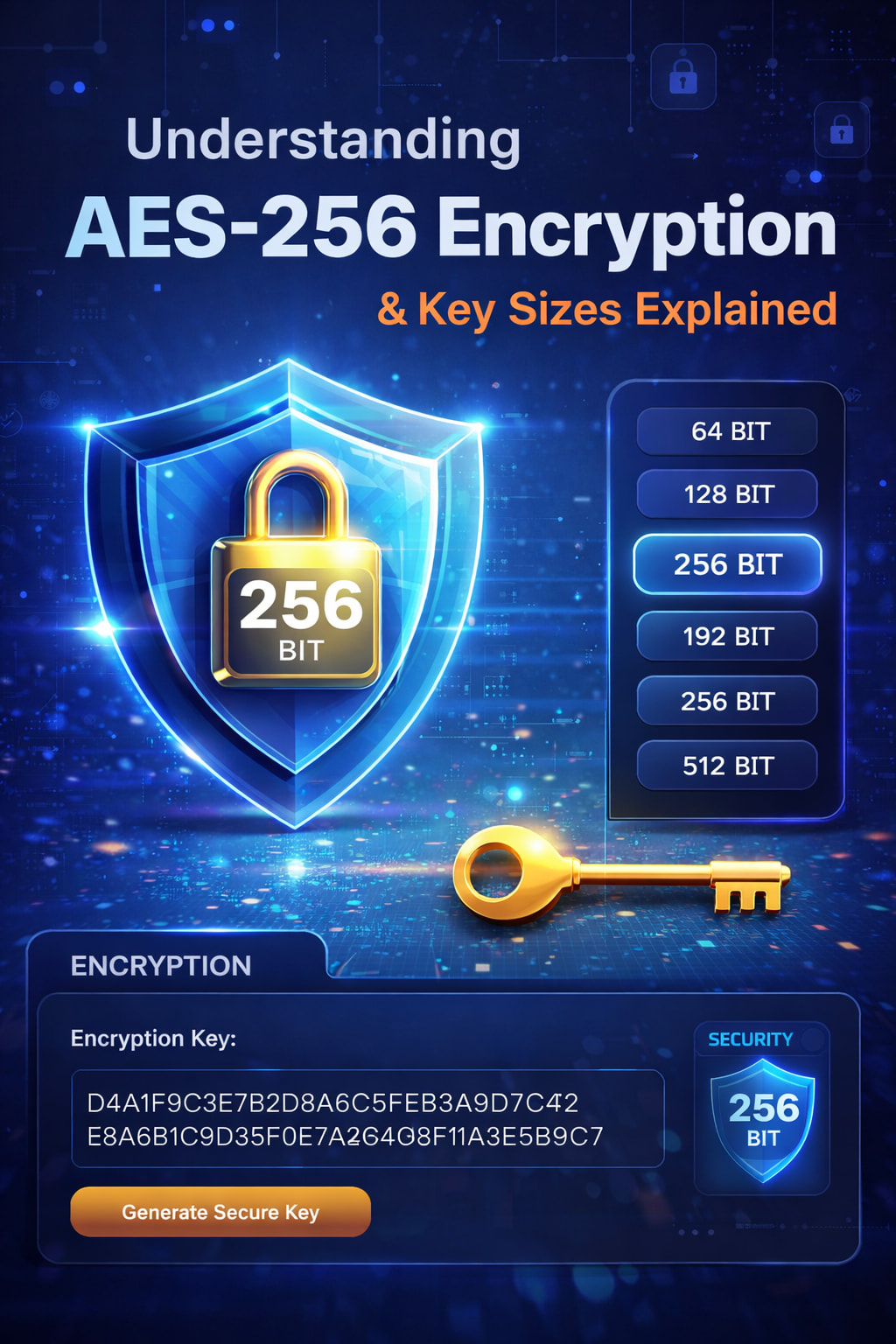
D4A1F9C3E7B2D8A6C5F0E1B3A9D7C4F2E8A6B1C9D3F0E7A2B4C6D8F1A3E5B9C7
512-bit (64 bytes)
F1A3C5E7D9B2A4C6E8F0D1B3A5C7E9F2A4B6C8D0E2F4A6B8C0D2E4F6A8C1E3D5B7C9D1E3F5A7C9E1D3B5A7C9E1F3D5B7A9C1E3F5A7C9D1E3F5A7C9E1D3B5A7
 These are for demonstration only. Never use static keys in production.
AES Encryption Modes
AES must be used with a mode of operation:
| Mode | Security |
|---|---|
| ECB |  Insecure Insecure |
| CBC | Older |
| GCM |  Recommended Recommended |
| CTR | Secure |
Best practice: AES-256-GCM
 Encryption vs Hashing
| Feature | Encryption | Hashing |
|---|---|---|
| Reversible | Yes | No |
| Example | AES | SHA-256, SHA-512 |
| Use | Data protection | Password storage |
Common Security Mistakes
- Using weak modes like ECB
- Hardcoding encryption keys
- Poor key storage practices
- Not rotating keys
- Using outdated algorithms (e.g., DES)
 How to Generate Secure Keys
Use secure tools:
Linux / Bash
openssl rand -hex 32
PHP
random_bytes(32)
Python
import secrets secrets.token_bytes(32)
 Simple Analogy
- AES-256 → A strong safe with one key
- RSA → A mailbox (public slot, private access)
- TLS → A secure conversation using both
Conclusion
- AES-256 remains the gold standard for data encryption
- Key size directly impacts security strength
- Combine AES (data encryption) with RSA/ECC (key exchange) for best results
- Always prioritize secure key generation and storage
 Final Thought
Encryption is not just about algorithms—it’s about how you implement them. Even the strongest encryption can fail if keys are mishandled.
For hosting environments, billing systems, and APIs, adopting AES-256 with proper key management is a critical step toward securing your infrastructure.